
Chance to get items for opening 2 slots on your weapon!
You can purchase "Iruna Bag Altan" for only 1,990 Coins on your first purchase per account!
You can purchase "Iruna Bag Altan" for only 3,980 Coins on your first-time and second-time purchase per account!
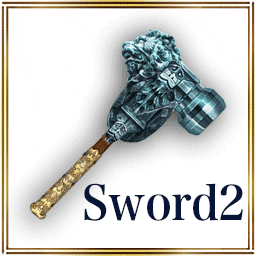
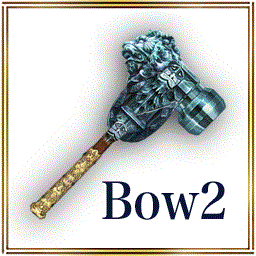
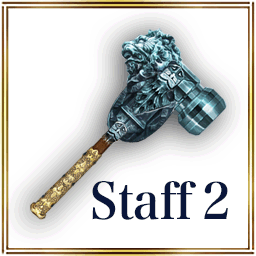
- "Bladesmith's Hammer", "Bow Master Hammer", "Staff Master Hammer"
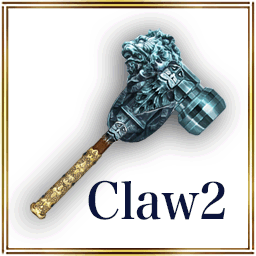
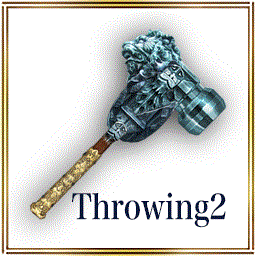
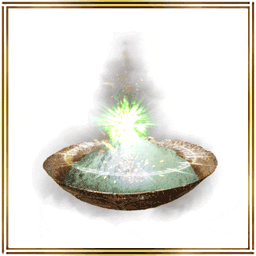
- "Claw Master Hammer", "Throwing Master Hammer", "Sacred Cinder"
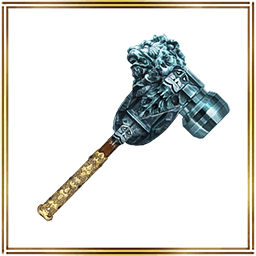
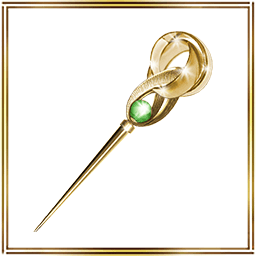
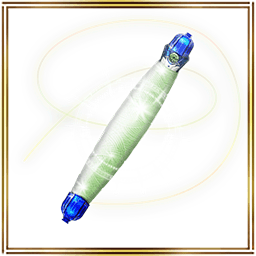
- "Smith's Hammer", "Spirit Needle", "Fairy Silk"
- The hammer for each weapon type changes the number of slots of the equipped weapon you select from 1 to 2.
- Sacred Cinder : Places 1 slot in equipped Special.
- Smith's Hammer : Places 1 slot in equipped Weapon.
- Spirit Needle : Places 1 slot in equipped Armor.
- Fairy Silk : Places 1 slot in equipped Additional.
Category No.1: Top level item
Category No.2: EXP Gain
Category No.3: Drop Rate
Category No.4: Status Boost
Category No.5: Hair Color
Category No.6: Fortune-telling ★5 Ticket
- Sales Period -
From: 6/17/2022 14:00 JST.
Until: 6/22/2022 13:59 JST.
*This item may be sold again with the same contents.
*This sale is planned to send on 6/22/2022 13:59 JST.
On for 3 days! Get ready for "Open 10" Campaign!
You can purchase of "Open 10 Boxes" for only 2,000 Coins on your first-time, second-time and third-time purchase!
During each period, the discounted price will be applied to your first-time, second-time and third-time purchase of "Open 10 Boxes".
- Campaign period -
Day 1
From: 6/17/2022 14:00 JST.
Until: 6/18/2022 13:59 JST.
Day 2
From: 6/18/2022 14:00 JST.
Until: 6/19/2022 13:59 JST.
Day 3
From: 6/19/2022 14:00 JST.
Until: 6/20/2022 13:59 JST.
*If you do not purchase "Open 10 Boxes" during Day 1, then the discounted price will only be applied 3 times during Day 2.
*If you have 10 or more Box Tickets, "One Time Discount" will not appear on "Open 10 boxes" button.
Please note that this campaign will be applied only when you don't have Box Tickets.
*Box Tickets will be preferentially consumed if you have 10 or more Box Tickets even if you have enough Coins to purchase "Open boxes".
*The image is only for reference and may differ from the actual item.
*When making a purchase from the costume box, you will receive 1 item from the box at random.
*Please check the lineup on the purchasing screen for details about each item.
*Please note that you may get duplicates when drawing.
*This sale is planned to send on 7/1/2022 13:59 JST.
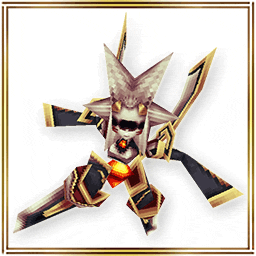
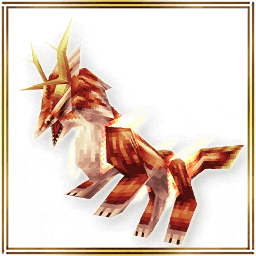
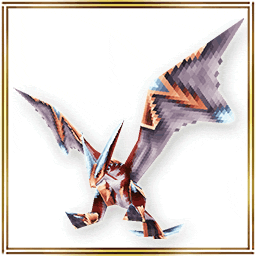
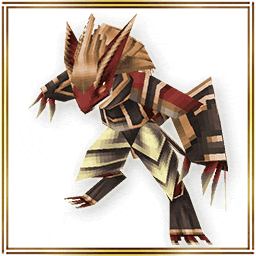
Two other costume boxes are also here for only 7 days!
- Sales Period -
From: 6/17/2022 14:00 JST.
Until: 6/24/2022 13:59 JST.
*The image is only for reference and may differ from the actual item.
*When making a purchase from the costume box, you will receive 1 item from the box at random.
*Please check the lineup on the purchasing screen for details about each item.
*Please note that you may get duplicates when drawing.
*This sale is planned to send on 6/24/2022 13:59 JST.
- About item shop images -
If your device's image cache has not been updated, older images may be displayed.
- When you tap the costume box banner, the product is different from the banner you transitioned from.
- When you tap the first-time sale banner, the product is not on sale.
If you encounter the problems listed above, the most recent images can be loaded by reinstalling the app.
Please be aware of data that may be reset by reinstalling. We recommend taking screenshots of your Set Phrases.
- About Resets When Uninstalling the App
Please check the announcement before making your purchase.
- The Treasure Box, available for a limited time only! -
Here comes the "Super Slot Set (Sword)", a set of Bladesmith's Hammer and Smith's Hammer!
- Special Item Added in Treasure Box 380! -
The following item will be added in "Treasure Box 380".
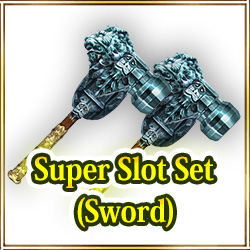
Rarity: 5 Stars
Super Slot Set (Sword): This is a set of the items Bladesmith's Hammer and Smith's Hammer.
Bladesmith's Hammer : Places 2 slot in equipped Sword. For 1-slot Sword only.
Smith's Hammer : Places 1 slot in equipped weapon. For 0-slot weapons only.
*"Use" the item to move it to Consumables from the Coin section.
*Bladesmith's Hammer : Available only on 1-slotted Swords.
*Bladesmith's Hammer : It will be not consumed even if you use it on the Swords that don't have 1 slot.
*Smith's Hammer : You can use it only on 0-slotted Weapon.
*Smith's Hammer : The item will not be consumed even if it is used on the items other than 0-slotted Weapon.
- Campaign Period -
From: 6/16/2022 14:00 JST.
Until: 6/19/2022 13:59 JST.
*The image is only for reference and may differ from the actual item.
*Please check the lineup on the purchasing screen for details about each item.
*Please note that you may get duplicates when drawing.
*You may get the same items by opening the box.
*This sale is planned to send on 6/19/2022 13:59 JST.
Two other costume boxes are also here for only 7 days!
- Sales Period -
From: 6/16/2022 14:00 JST.
Until: 6/23/2022 13:59 JST.
*The image is only for reference and may differ from the actual item.
*When making a purchase from the costume box, you will receive 1 item from the box at random.
*Please check the lineup on the purchasing screen for details about each item.
*Please note that you may get duplicates when drawing.
*This sale is planned to send on 6/23/2022 13:59 JST.
- About item shop images -
If your device's image cache has not been updated, older images may be displayed.
- When you tap the costume box banner, the product is different from the banner you transitioned from.
- When you tap the first-time sale banner, the product is not on sale.
If you encounter the problems listed above, the most recent images can be loaded by reinstalling the app.
Please be aware of data that may be reset by reinstalling. We recommend taking screenshots of your Set Phrases.
- About Resets When Uninstalling the App
Please check the announcement before making your purchase.
| Past notifications | Latest notifications |