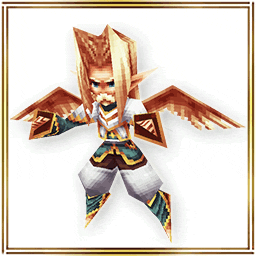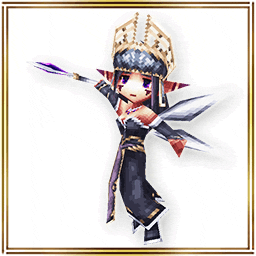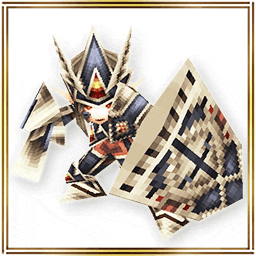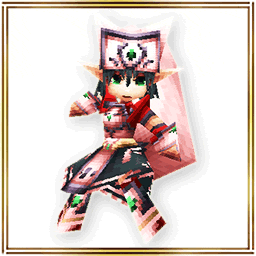
New Costume Royal Knights is here! On for 3 days! Get ready for Open 10 Campaign! More…(6-14 00:01)

On for 3 days! Get ready for "Open 10" Campaign!


You can purchase of "Open 10 Boxes" for only 2,000 Coins on your first-time, second-time and third-time purchase!

During each period, the discounted price will be applied to your first-time, second-time and third-time purchase of "Open 10 Boxes".


- Campaign period -
Day 1
From: 6/14/2024 14:00 JST.
Until: 6/15/2024 13:59 JST.

Day 2
From: 6/15/2024 14:00 JST.
Until: 6/16/2024 13:59 JST.

Day 3
From: 6/16/2024 14:00 JST.
Until: 6/17/2024 13:59 JST.

*If you do not purchase "Open 10 Boxes" during Day 1, then the discounted price will only be applied 3 times during Day 2.

- Sales Period -
From: 6/1/2024 14:00 JST.
Until: 7/1/2024 13:59 JST.

*If you have 10 or more Box Tickets, "One Time Discount" will not appear on "Open 10 boxes" button.
Please note that this campaign will be applied only when you don't have Box Tickets.
*Box Tickets will be preferentially consumed if you have 10 or more Box Tickets even if you have enough Coins to purchase "Open boxes".
*The image is only for reference and may differ from the actual item.
*When making a purchase from the costume box, you will receive 1 item from the box at random.
*Please check the lineup on the purchasing screen for details about each item.
*Please note that you may get duplicates when drawing.
*This sale is planned to send on 7/1/2024 13:59 JST.


"Open 10 box" 1500 Coins up to 10x!


- Sales period -
From: 6/14/2024 14:00 JST.
Until: 7/8/2024 13:59 JST.

*If you have 10 or more Box Tickets, "One Time Discount" will not appear on "Open 10 boxes" button.
Please note that this campaign will be applied only when you don't have Box Tickets.
*Box Tickets will be preferentially consumed if you have 10 or more Box Tickets even if you have enough Coins to purchase "Open boxes".
*The image is only for reference and may differ from the actual item.
*When making a purchase from the costume box, you will receive 1 item from the box at random.
*Please check the lineup on the purchasing screen for details about each item.
*Please note that you may get duplicates when drawing.
*This sale is planned to send on 7/8/2024 13:59 JST.


Rarity 5 Stars "Pet Eggs" have just renewed!


- "Zazel Egg", "Botaniga Egg"


- "Echidna Egg", "Beelzebub Egg"


- Sales period -
From: 6/14/2024 14:00 JST.

- How to Use -
1. You can receive the item by using it from MENU > Items > Coins in the application. Then, it will move to Collectibles section.
2. Tap MENU > Logout > To Island.
3. Log in your island with edit mode.
4. Use the egg from Island Menu > Isle Object > Pet to hatch it.

*You may get the same items by opening the box.
*We will announce the ending date and time of the sale later.
*The size of the pet hatched from the egg depends on feeding and the environment of the island.
*You cannot hatch the egg if you have the maximum number of pets. Please make use of Pet Hotel.

Don't miss this chance!

The Dim costume is here for only 7 days!(6-14 00:00)

Two other costume boxes are also here for only 7 days!


- Sales Period -
From: 6/14/2024 14:00 JST.
Until: 6/21/2024 13:59 JST.

*The image is only for reference and may differ from the actual item.
*When making a purchase from the costume box, you will receive 1 item from the box at random.
*Please check the lineup on the purchasing screen for details about each item.
*Please note that you may get duplicates when drawing.
*This sale is planned to send on 6/21/2024 13:59 JST.


- About item shop images -
If your device's image cache has not been updated, older images may be displayed.

- When you tap the costume box banner, the product is different from the banner you transitioned from.
- When you tap the first-time sale banner, the product is not on sale.

If you encounter the problems listed above, the most recent images can be loaded by reinstalling the app.

Please be aware of data that may be reset by reinstalling. We recommend taking screenshots of your Set Phrases.

- About Resets When Uninstalling the App

Please check the announcement before making your purchase.

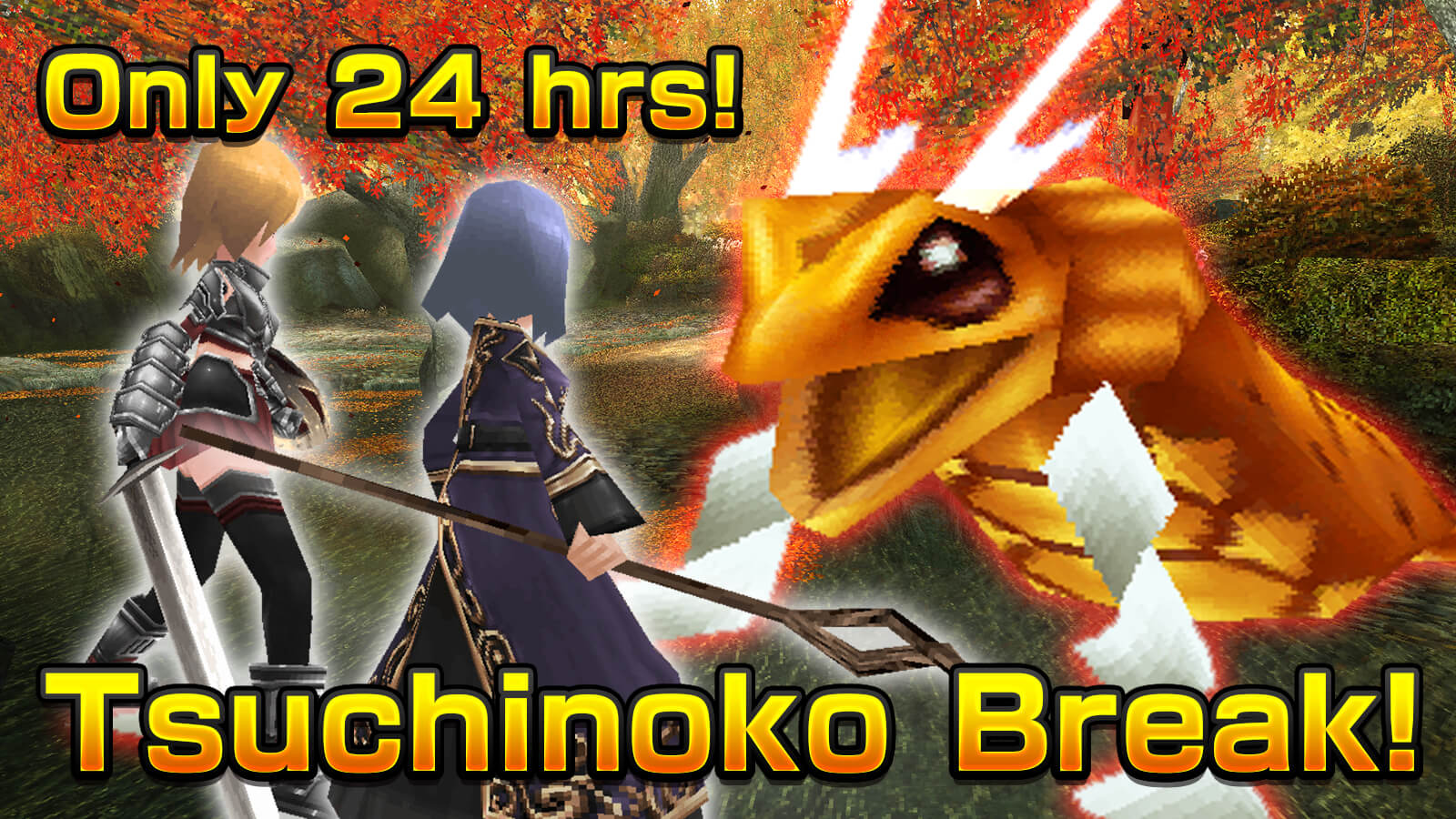
Only 24 hrs! The Tsuchinoko Break raid battle is here!(6-13 08:00)

Tsuchinoko Break

- What is the "Tsuchinoko Break" raid battle? -
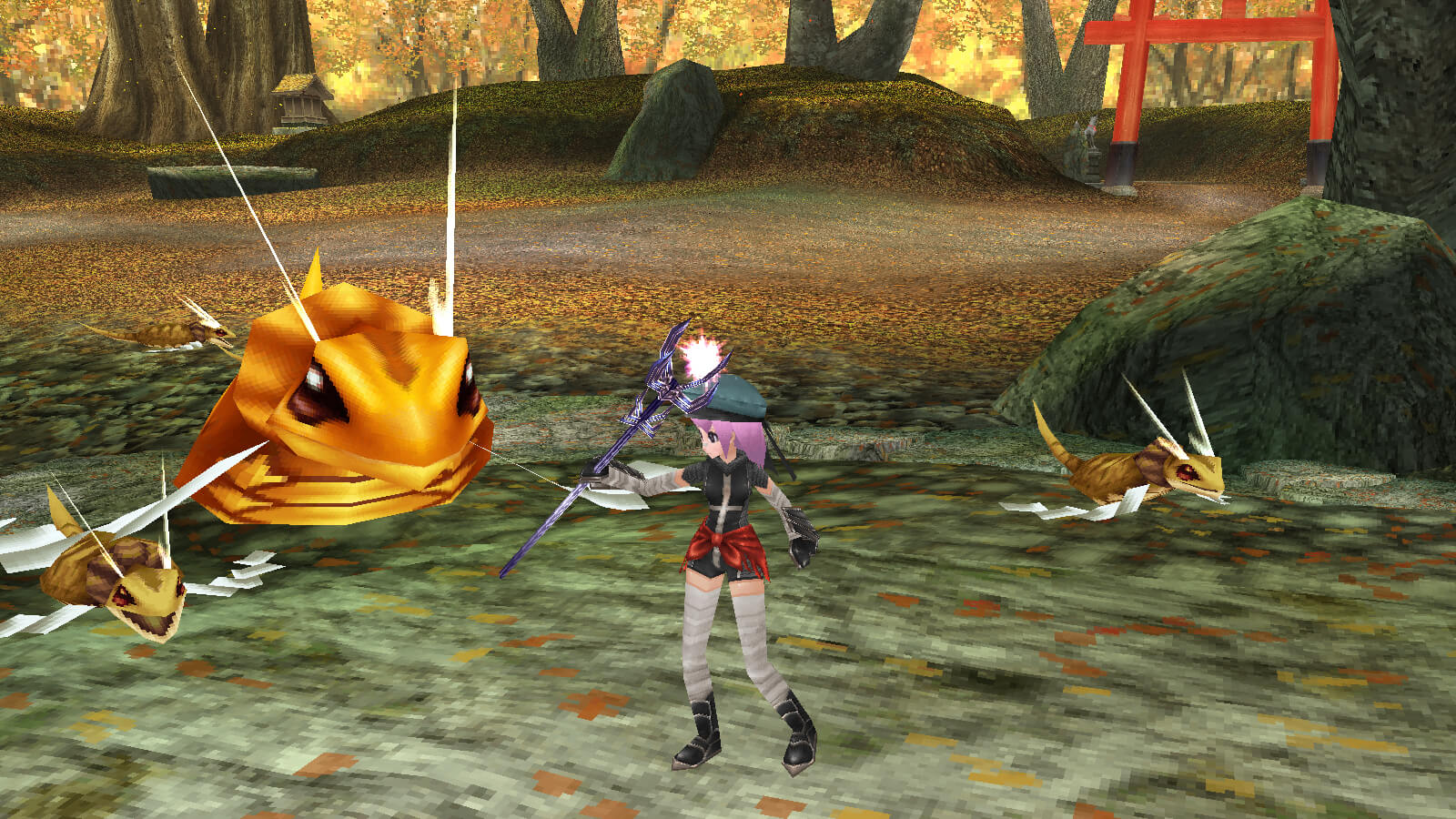
How to Join 1

A "Tsuchinoko" is considered to be an unidentified mysterious animal, or a cryptid, in Japan.

In Japan, it is still known to be an illusive creature, and in some areas, there is even a reward for finding one.

As one of the kanji characters for "Friday" is used in the kanji characters for the creature "Tsuchinoko", we will hold the special Tsuchinoko raid battle on Fridays.

The Tsuchinoko will appear every Friday from 0:00 to 23:59 (JST) for only 24 hours.

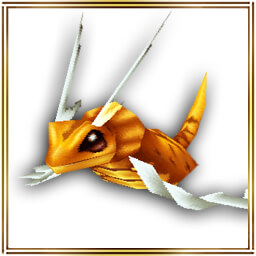
Defeat the boss monster "Tsuchinoko King" for a chance to get the "▲Tsuchinoko King" Al Crysta and the "Tsuchinoko King Egg" that hatches a pet that you can raise on your Island.
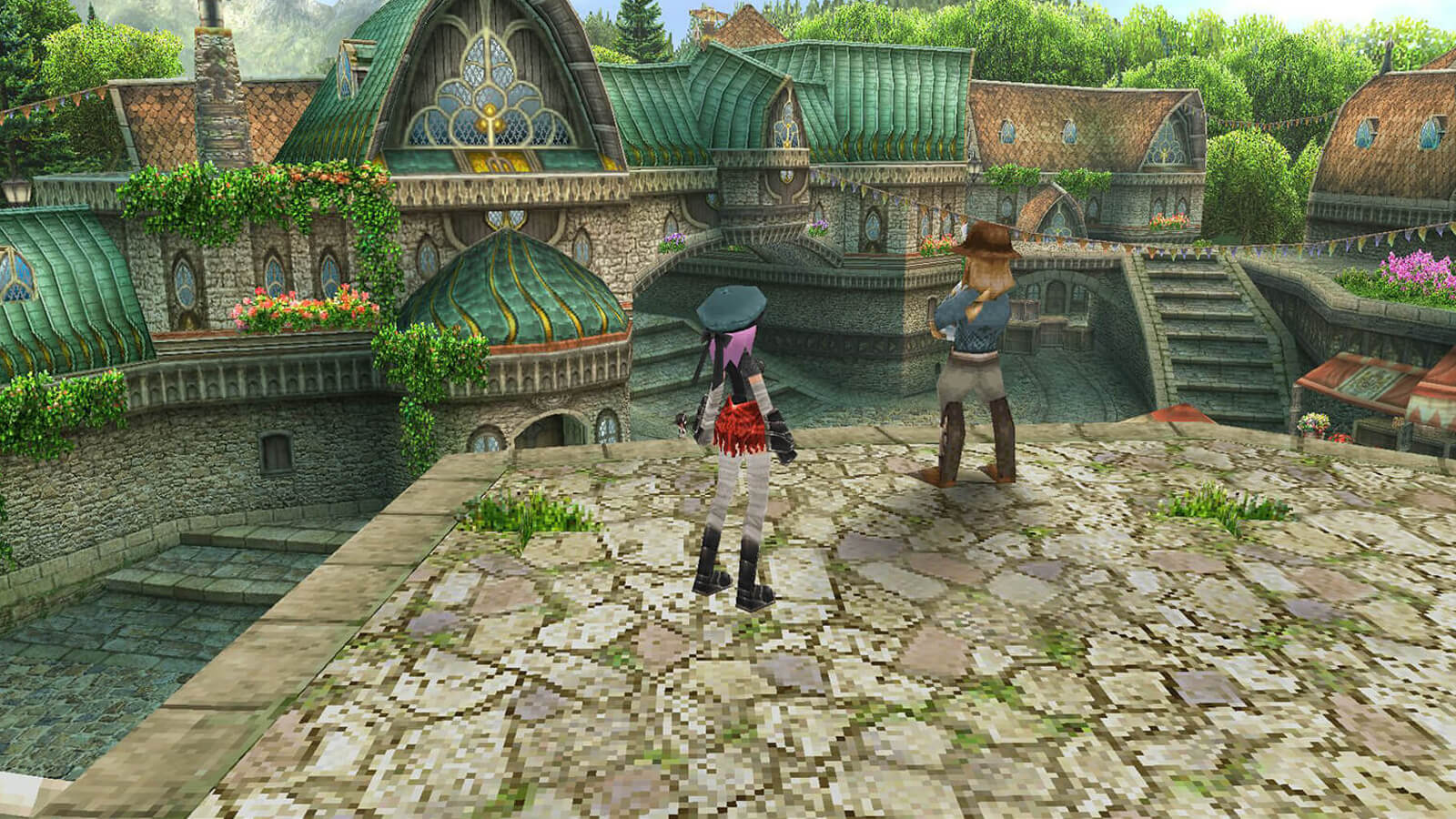
- How to Join -
How to Join 2
During the event, you can challenge the raid battle as a guild or group from NPC "Alen" in Rokoko City.

- Obtainable Items -

- Pet "Tsuchinoko King Egg" -
Tsuchinoko King will come out from it. Let's hatch it on the island!

- Al Crysta "▲Tsuchinoko King" -
Delay-0.5 sec MaxHP&MP+5% ATK&MATK+5%
All stats +5, Melee&Magic R +5%

- Starting Date -
Friday from 0:00 to 23:59 (JST) for only 24 hours.

The event is on every Friday, so feel free to join!

The Dream Patissier costume is here for only 7 days!(6-13 00:00)

Two other costume boxes are also here for only 7 days!


- Sales Period -
From: 6/13/2024 14:00 JST.
Until: 6/20/2024 13:59 JST.

*The image is only for reference and may differ from the actual item.
*When making a purchase from the costume box, you will receive 1 item from the box at random.
*Please check the lineup on the purchasing screen for details about each item.
*Please note that you may get duplicates when drawing.
*This sale is planned to send on 6/20/2024 13:59 JST.


- About item shop images -
If your device's image cache has not been updated, older images may be displayed.

- When you tap the costume box banner, the product is different from the banner you transitioned from.
- When you tap the first-time sale banner, the product is not on sale.

If you encounter the problems listed above, the most recent images can be loaded by reinstalling the app.

Please be aware of data that may be reset by reinstalling. We recommend taking screenshots of your Set Phrases.

- About Resets When Uninstalling the App

Please check the announcement before making your purchase.

Updated Information (6.2.7E)(6-12 01:36)

The App update has been successfully completed. Please download version "6.2.7E" from "Google Play".


- Update Details -
- June Bride Event"The Raging Bull & the Rowdy Bride" is held!

From: After the maintenance on June 11th
Until: Before the maintenance on July 9th

You can participate in the event by talking to "GM Neints" in "Rokoko City".

- Get Event-Limited Items FREE! -
Ceremony Avatar
- Avatar (Body): "Ceremony Cross", "Ceremony Dress"

This item is distributed for free.
Don't miss this chance and check them out in the Item Shop!

- Strengthening Equipment has been added.
Added a new item in Capital city Sofya.

- Adjusted the New Explorer Swift Growth Campaign -
- Adjusted the level for boosted EXP gained from 340 to 360.

- Weapon graphic change feature implemented! -
Avatar Weapon

"Avatar (Weapon)" has been implemented in the equipment screen and Avatar preset.

- What is an "Avatar (Weapon)"? -
You can change the appearance of your weapon to the preferred graphic by equipping an exclusive Crysta "Avatar (Weapon)" in the equipment screen or Avatar preset.

- Update Commemoration Gift! -
We will present a gift to commemorate the release of the new feature!
Don't miss this chance and check them out in the Item Shop!


- "◇Avatar (Weapon)"

We plan to add chances to obtain it in future updates.
This is not the only opportunity to obtain it.

- How to change -
- Prepare a weapon that you won't use for combat and that can use one slot for the exclusive Crysta "Avatar (Weapon)".
- Follow the same steps as you would with regular Crysta to equip "◇Avatar (Weapon)" into an open slot. When equipped, it cannot be traded.
- In the Main Menu > Character > "Equipment" or "Avatar Preset", set the prepared weapon.
- Similar to the regular Crysta, the "◇Avatar (Weapon)" can be extracted using "◇Extract Crysta" or "◇Empty Crysta".
- The Crysta can be destroyed. Loss due to failed extraction may also occur. Incidents caused by user error, aside from glitches, are not eligible for compensation.


- Design of Avatar preset -
- The "Weapon", "Avatar (Body)", and "Avatar (Additional)" currently set in the Avatar preset will not be displayed on the storage screen.
- By setting the Avatar preset to "Not Set" and then changing attire (updating equipment status), you can deposit items into the storage.

- Other Update -
- Distribution of free items such as "◇10th Anniversary" etc has ended.

- Others -
- Info on special events & campaigns!
- Notice of Temporary Maintenance
- Concerning Limited Function of the Main Menu
- About Resets When Uninstalling the App
- Secure Your Account

- Installing App from "Google Play" -
Please try the following steps if update is required again after updating the app.

1. Reboot your Android device
2. Tap Settings > Apps > Google Play Store
3. Tap "CLEAR CACHE"
4. Tap "CLEAR DATA"

*Please change the device settings at your own responsibility.
*Please ask the manufacturer about how to control the device.

Thank you for your cooperation.
Iruna Team


 Past notifications Latest notifications