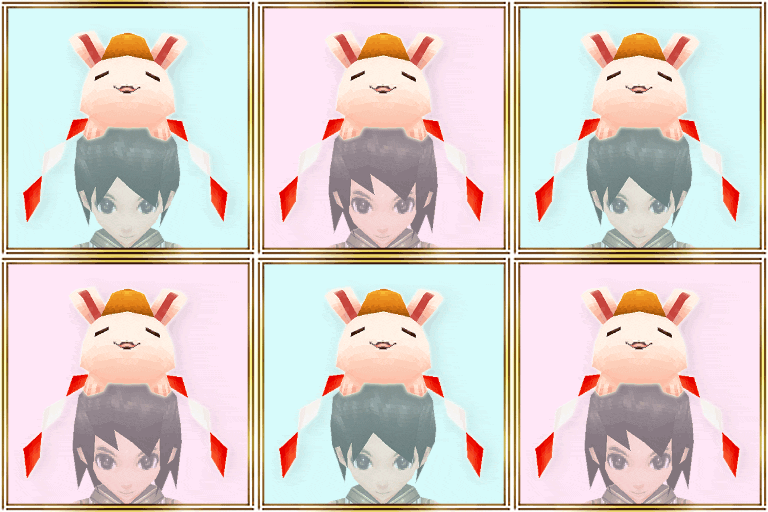
"Open 10 boxes" and get "Kagami Mochi Luna"! The Papilio costume is here for only 7 days!(5-2 00:01)

"Open a box" discount price at your first-time, second-time and third-time purchase!!


"Open 10 boxes" and get "Kagami Mochi Luna"!!


- Sales Period -
From: 5/2/2025 14:00 JST.
Until: 5/9/2025 13:59 JST.

*The image is only for reference and may differ from the actual item.
*When making a purchase from the costume box, you will receive 1 item from the box at random.
*Please check the lineup on the purchasing screen for details about each item.
*Please note that you may get duplicates when drawing.
*This sale is planned to send on 5/9/2025 13:59 JST.

Don't miss this chance!

The Fantasy costume is here for only 7 days!(5-2 00:00)

Two other costume boxes are also here for only 7 days!


- Sales Period -
From: 5/2/2025 14:00 JST.
Until: 5/9/2025 13:59 JST.

*The image is only for reference and may differ from the actual item.
*When making a purchase from the costume box, you will receive 1 item from the box at random.
*Please check the lineup on the purchasing screen for details about each item.
*Please note that you may get duplicates when drawing.
*This sale is planned to send on 5/9/2025 13:59 JST.


- About item shop images -
If your device's image cache has not been updated, older images may be displayed.

- When you tap the costume box banner, the product is different from the banner you transitioned from.
- When you tap the first-time sale banner, the product is not on sale.

If you encounter the problems listed above, the most recent images can be loaded by reinstalling the app.

Please be aware of data that may be reset by reinstalling. We recommend taking screenshots of your Set Phrases.

- About Resets When Uninstalling the App

Please check the announcement before making your purchase.
2025 May Update & Event Information!(5-1 20:30)

Update Event Information

A [new mission] will be added for May 2025.

A chance to obtain new items that enhance character development. Adventurers who haven't challenged the latest mission of Episode 7, now's the time to log in to "Iruna Online".


- Contents -
- May 2025 Schedule
- May 2025 Ongoing Events
- Current Developments & Upcoming Schedule

- May 6th -
- Iruna Online 17th Anniversary Campaign is held!
- Anniversary Quest "Destruction Gene" will be added.

- May 13th -
- Added a new difficulty to boss.

- May 20th -
- Rainy Wedding Event is held!

- May 27th -
- New Mission will be added.
- New Map will be added.

- May 2025 Ongoing Events -
A flower feast to invite even spirits 1

- Chapter 6 of the Sword Master Event "A flower feast to invite even spirits" added!

A new event has been added, available after clearing Chapter 5 of the Sword Master Event "Martial arts of the Mechanical Samurai"!
If you've never taken on the Sword Master Event, take on the challenge now!

A flower feast to invite even spirits 2

A new story will begin by talking to "Suishin" in Ganaji Strand. In the new story, an event boss will appear. If you manage to defeat it, you'll have a chance to obtain new weapons and crystas.

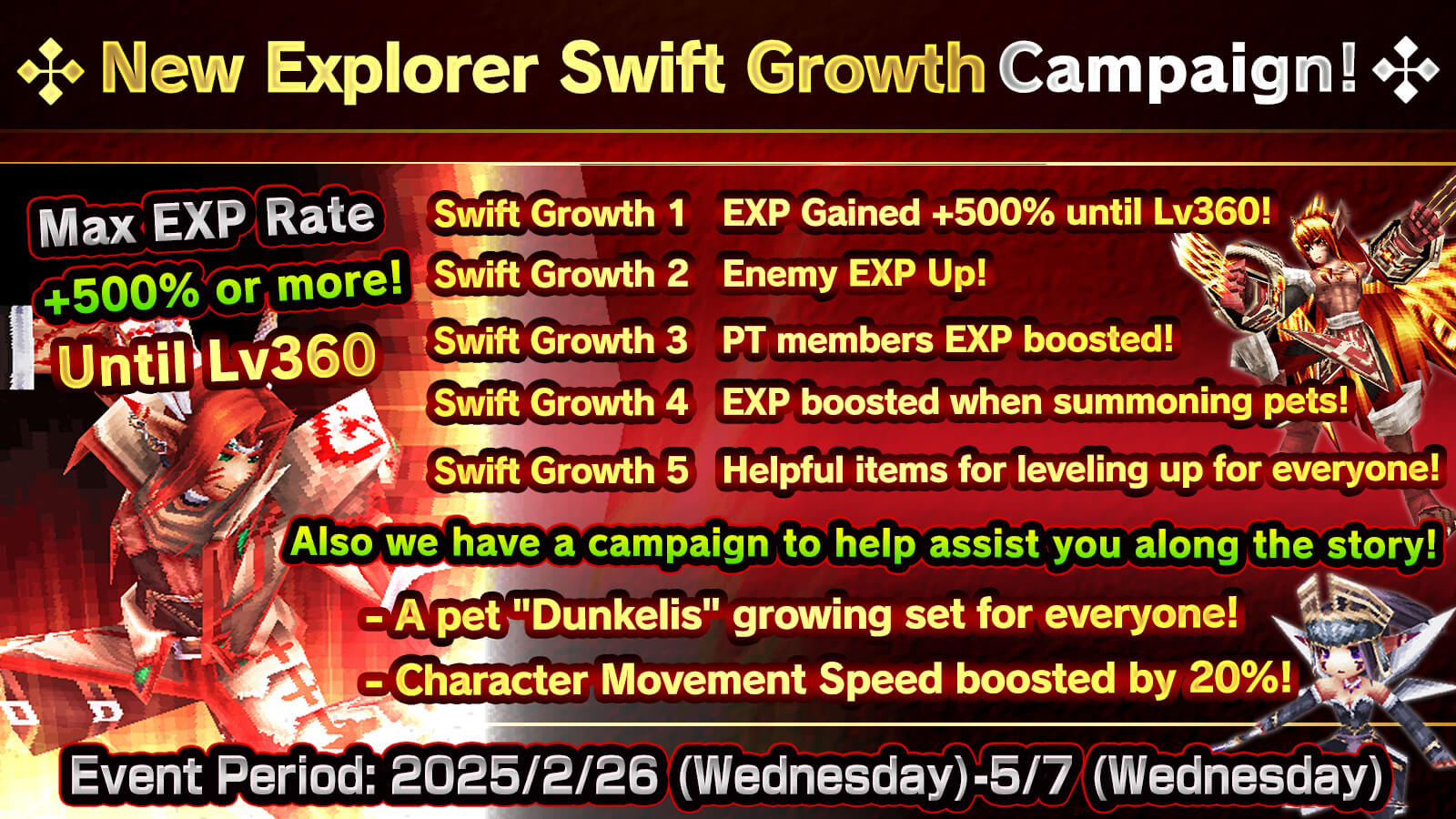
New Explorer Swift Growth Campaign

In order to make it easier for new to intermediate players to grow their characters, we are holding a cluster of great campaigns to boost EXP!

*Please check our official site or the in-app news for more details.
- Info on special events & campaigns!

- Current Developments & Upcoming Schedule -
- Mission added (Episode 7)
- Some of the map graphics have been refined
- High difficulty boss added

Any additional updates or events will be announced via the official site and in-app notifications.

- Note -
*The information in this article is based on the time of publication.
*Update details are subject to change due to circumstances.

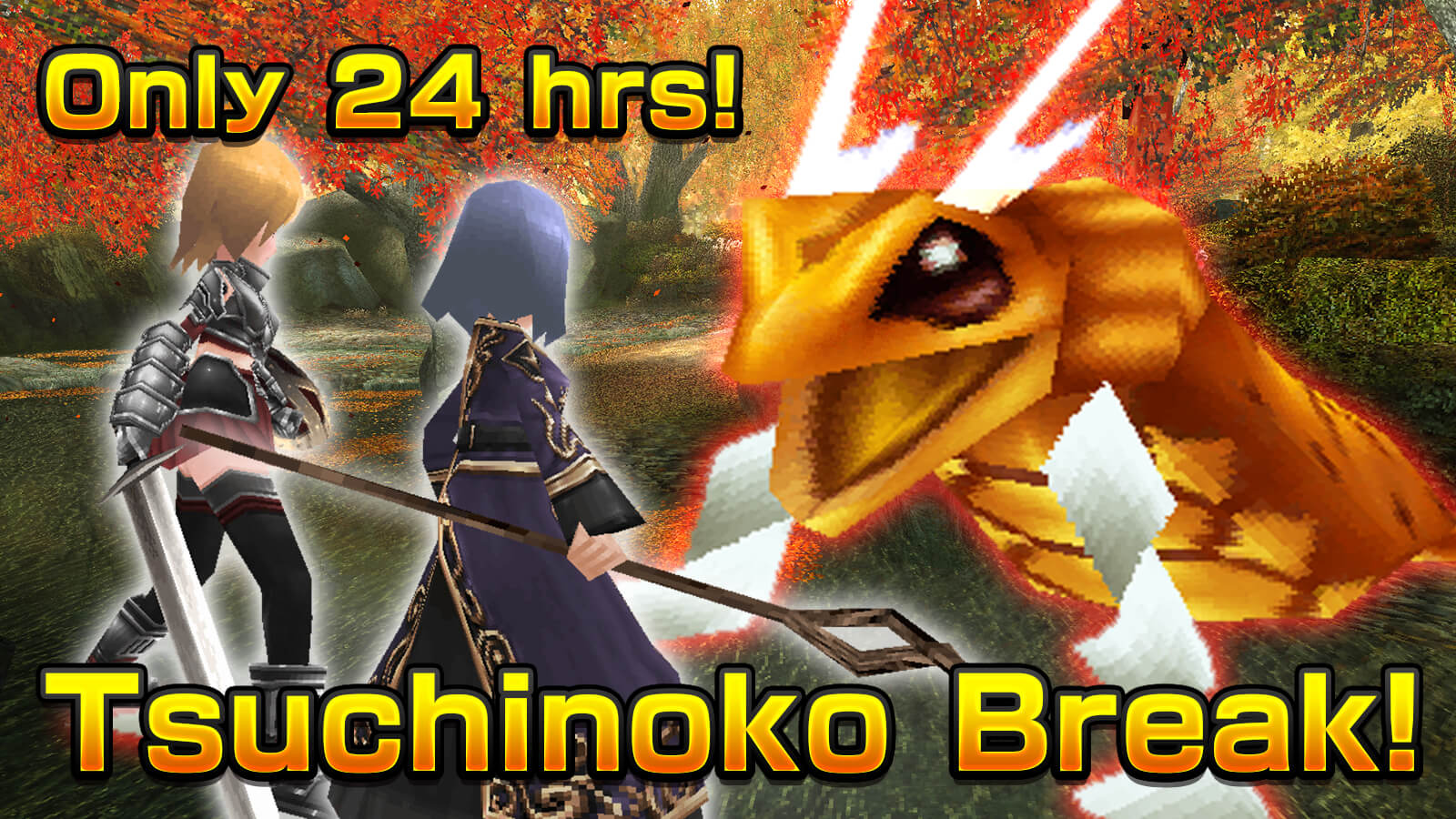
Only 24 hrs! The Tsuchinoko Break raid battle is here!(5-1 08:00)

Tsuchinoko Break

- What is the "Tsuchinoko Break" raid battle? -
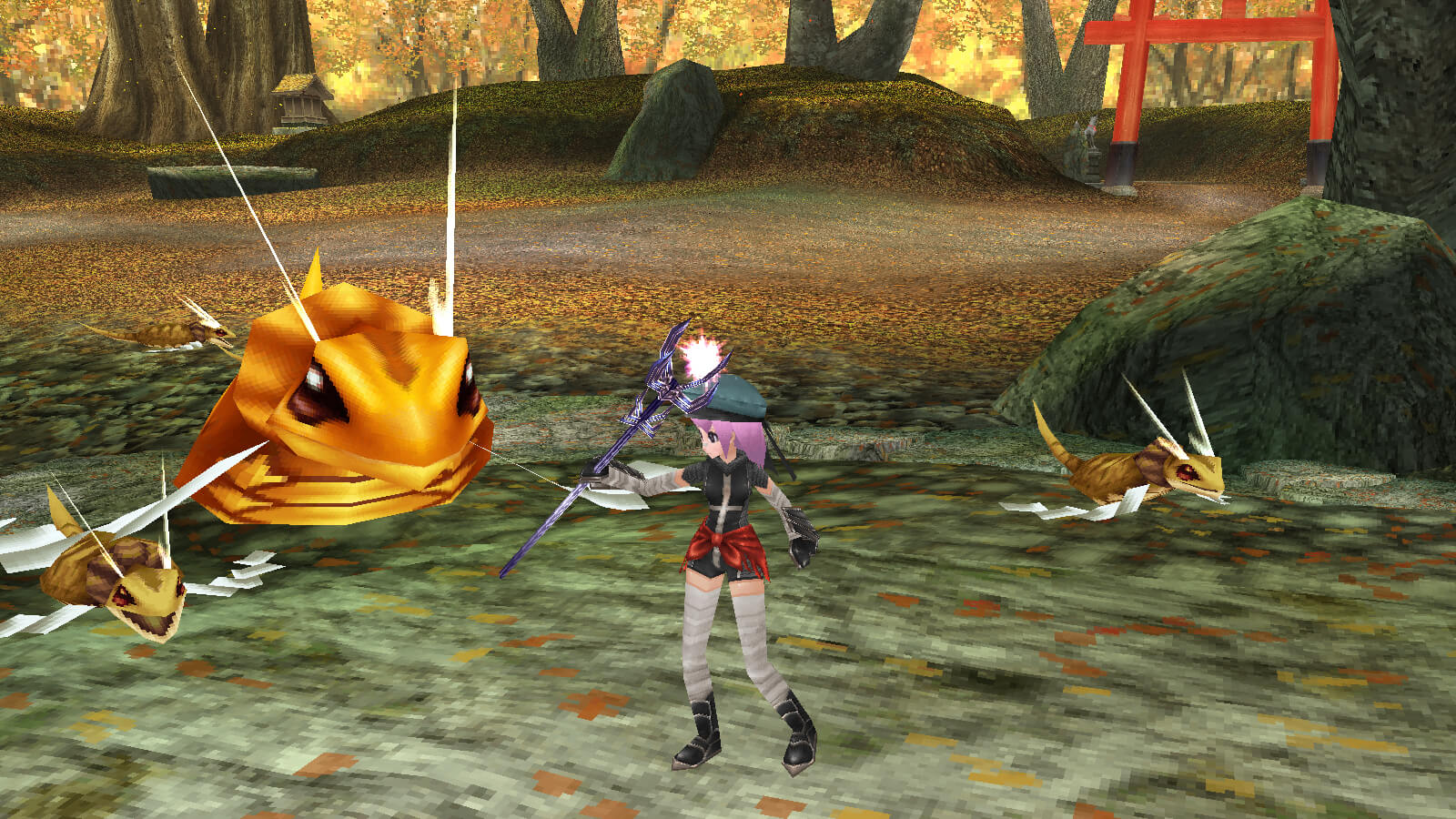
How to Join 1

A "Tsuchinoko" is considered to be an unidentified mysterious animal, or a cryptid, in Japan.

In Japan, it is still known to be an illusive creature, and in some areas, there is even a reward for finding one.

As one of the kanji characters for "Friday" is used in the kanji characters for the creature "Tsuchinoko", we will hold the special Tsuchinoko raid battle on Fridays.

The Tsuchinoko will appear every Friday from 0:00 to 23:59 (JST) for only 24 hours.

Defeat the boss monster "Tsuchinoko King" for a chance to get the "▲Tsuchinoko King" Al Crysta and the "Tsuchinoko King Egg" that hatches a pet that you can raise on your Island.

- How to Join -
How to Join 2
During the event, you can challenge the raid battle as a guild or group from NPC "Alen" in Rokoko City.

- Obtainable Items -

- Pet "Tsuchinoko King Egg" -
Tsuchinoko King will come out from it. Let's hatch it on the island!

- Al Crysta "▲Tsuchinoko King" -
Delay-0.5 sec MaxHP&MP+5% ATK&MATK+5%
All stats +5, Melee&Magic R +5%

- Starting Date -
Friday from 0:00 to 23:59 (JST) for only 24 hours.

The event is on every Friday, so feel free to join!

Backup/Restore Play Data for iOS(5-1 04:00)

User's Account Management from Iruna Team

- Contents -
- About Account Management
- Save Backup Data For Your iOS Device
- Restore Data On Your New iOS Device
- Notes: Backup and Restoration with iTunes

- About Account Management -
Your Iruna's game play data is saved on your iOS device.

- Transferring account data to your new iOS device.
- My device has broken.
- Want to restore my game plays because my device has been formatted.

If any of the above applies to you, you can restore your game progress / play data (including characters) continuously from your backup data by using iTunes.

Nevertheless, YOU WILL LOSE ALL YOUR PLAY DATA when you do not prepare for backup.

Therefore, in preparation for accidental data deletion or switching your device in the future, we highly recommend backing up your data with iTunes.

To download iTunes > "iTunes - Download now"

Help my backup! > "iOS: If your iTunes backup couldn't be completed or you can't restore from a backup"

*You can go to the webpage by tapping it from the app.

- Save Backup Data For Your iOS Device -
1. Install "iTunes" to your PC.

2. Open iTunes and connect your iPhone to your PC.

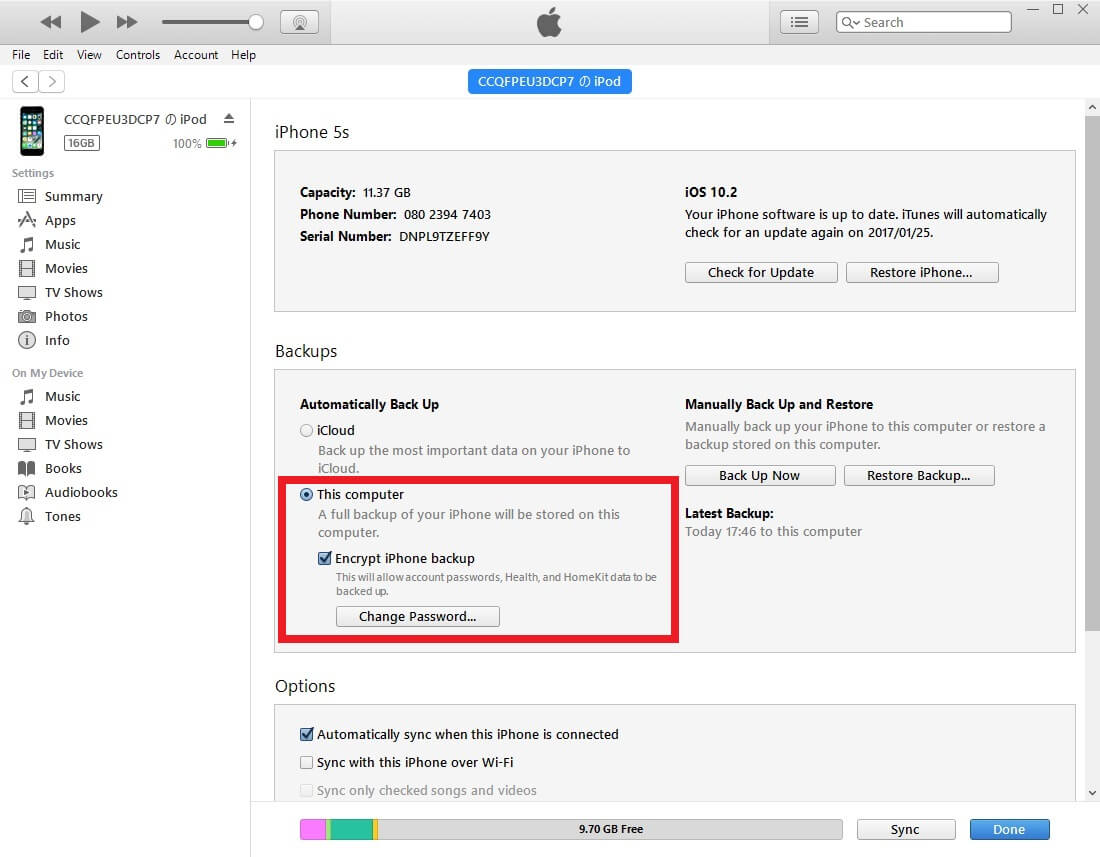
3. Click the iPhone device button in the upper right corner or Sidebar and see "Backups" in the Summary tab.


4. Check "This Computer".

5. Check "Encrypt iPhone backup"

*Note you cannot create a backup of the game data without putting a check.

6. Backup will be created.

- Restore Data On Your New iOS Device -
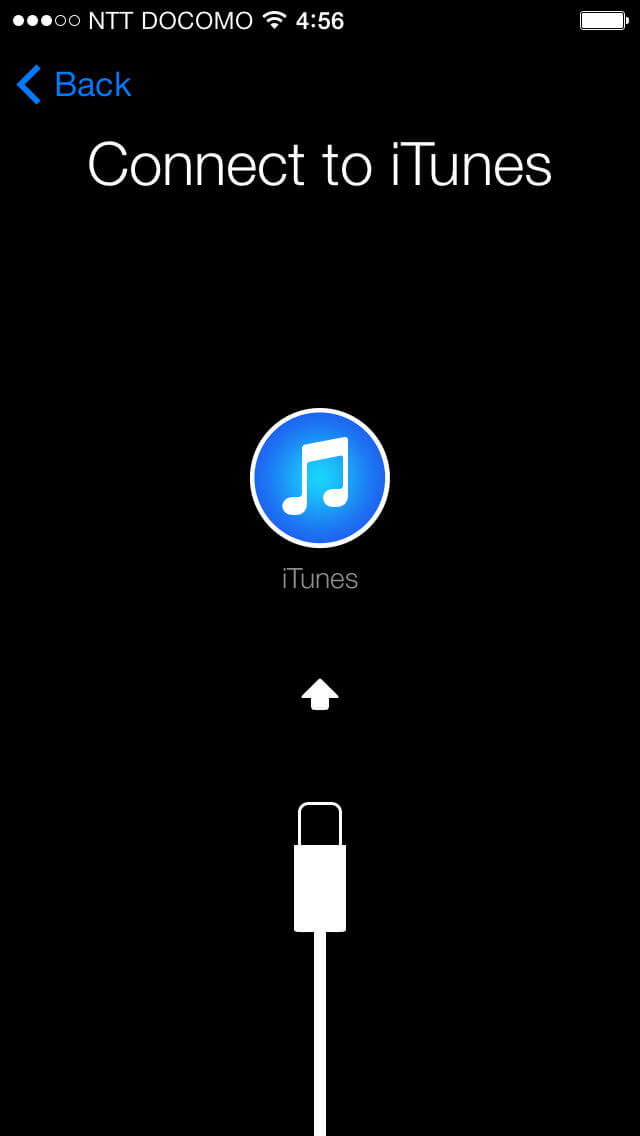
1. Check "Restore from iTunes Backup" when you set up the new iPhone to restore the data.


Caution: Play data can't be restored by iCloud Backup. Please be sure to use "Restore from iTunes Backup."

2. Connect the new iPhone to your PC.


3. Choose "Restore from Backup..." on iTunes.

4. The restoration is completed.

- Notes: Backup and Restoration with iTunes -
The backup and restoration with iTunes cannot be guaranteed to transfer the account information to other iOS devices.

*e.g.) no restoration from iPhone 12 backups to iPad.
*e.g.) no restoration from iPad mini to iPhone 13.

If you are using multiple iOS devices: You are only allowed to save one account data by using Restore From iTunes Backup.

*e.g.) after Restore From iTunes Backup, you are able to play with the same characters on 2 devices.

If the character is deleted on one of the devices, the play data will synchronize (sync) and the character will be deleted from both devices.
If you wish to clear this synchronization, one of your devices must be reset to factory defaults.

If you have any further questions, please contact us via the inquiry form on our official website by using application.


 Past notifications Latest notifications