The App update has been successfully completed. Please download version "6.5.9".
- New high difficulty has been added to Boss "Schlingel"! -
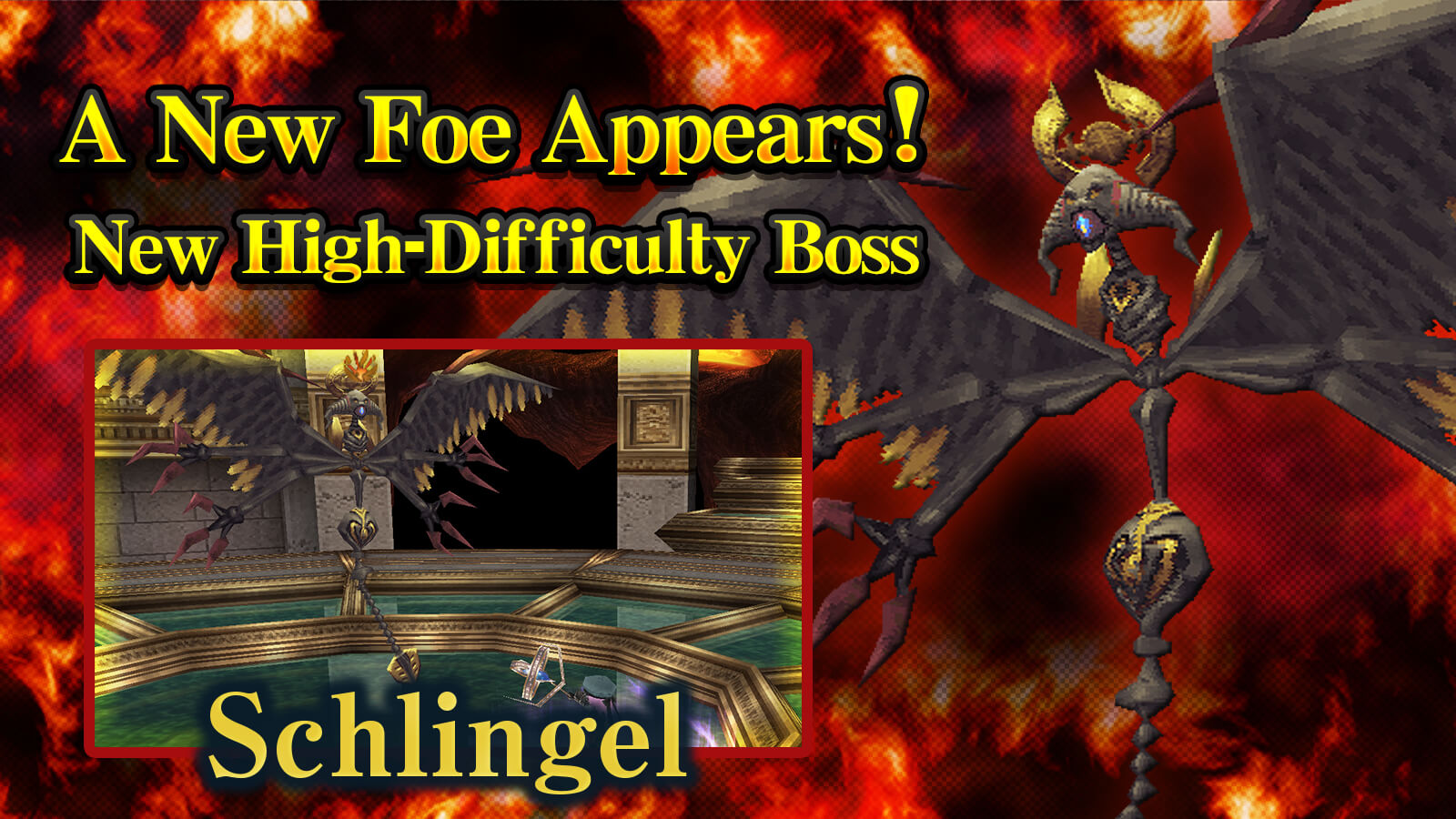
Please enjoy the newly added high-difficulty boss battle!
Starting Location for New Difficulty: Morga Zone: Origin Point "???"
- Challenge the New High-Difficulty Boss "Schlingel"! -
There is a chance to obtain the new weapon "Schlingel Nail" from the boss "Schlingel". Furthermore, you also have a chance to obtain a new Relic Crysta.
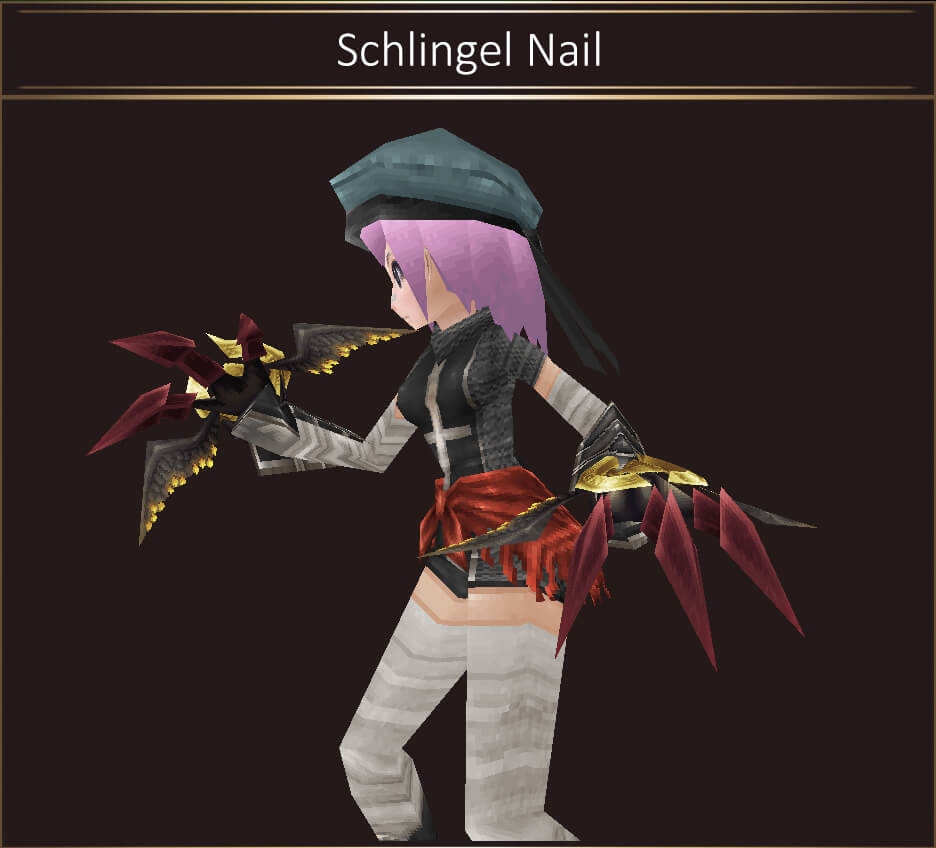 Weapon (Claw): Schlingel Nail
ATK:330-340 DEF:0 Slot:0-2 Trade×
Weapon (Claw): Schlingel Nail
ATK:330-340 DEF:0 Slot:0-2 Trade×
Dark element, Magic R-25% ATK+25%
MaxMP+20% Reflect+5%
Additional attack chance
Damage up if you are poisoned.
- Major Graphic Refinement for Map "Morga Zone"! -
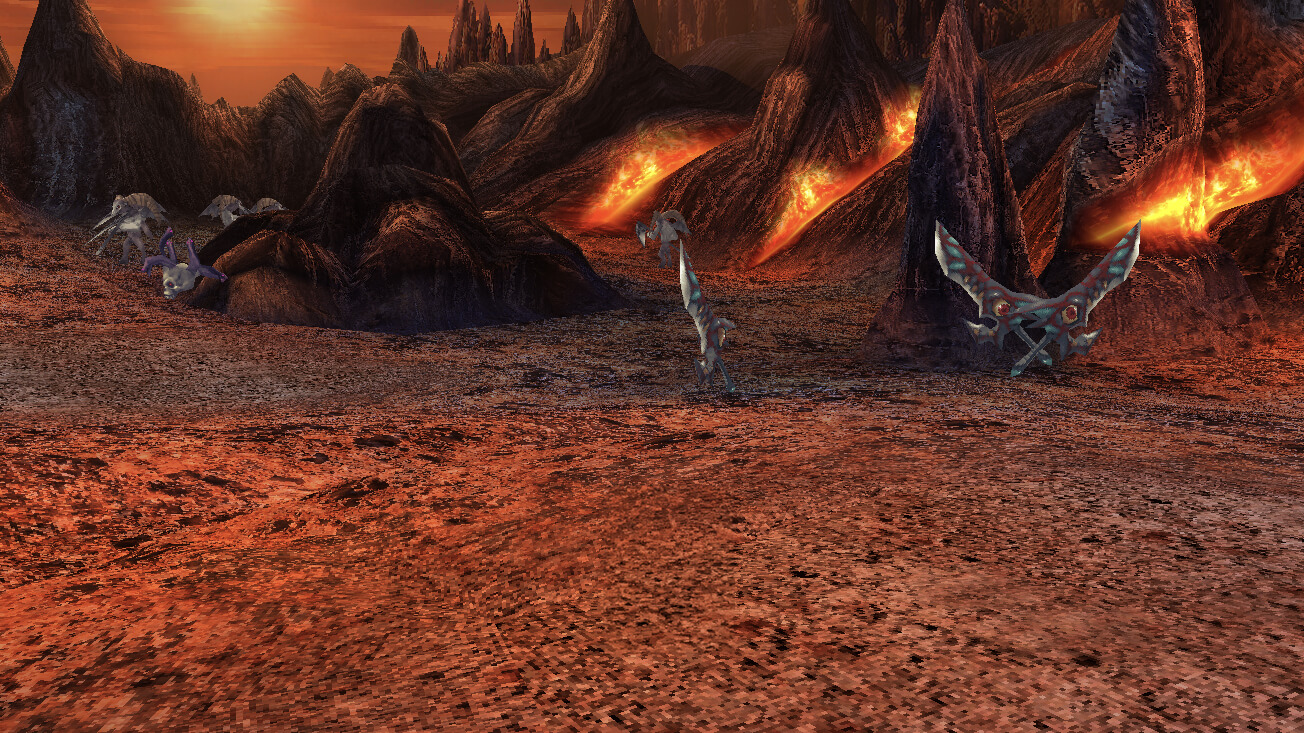
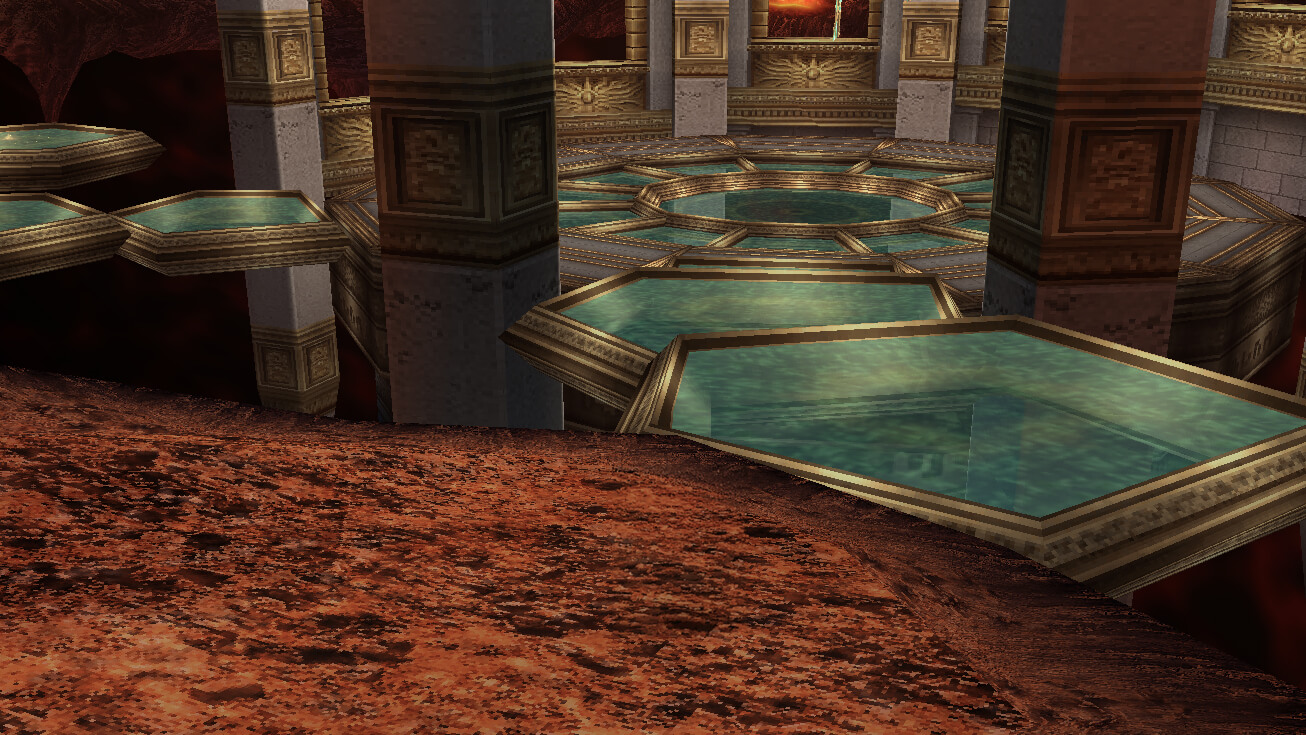
The graphics have been significantly refined, allowing you to enjoy your adventure in the world of Iruna more than ever before.
- High-Definition Refined Map -
- Morga Zone
- Academy Event"Chaos! Iruna Culture Festival!" is held! -
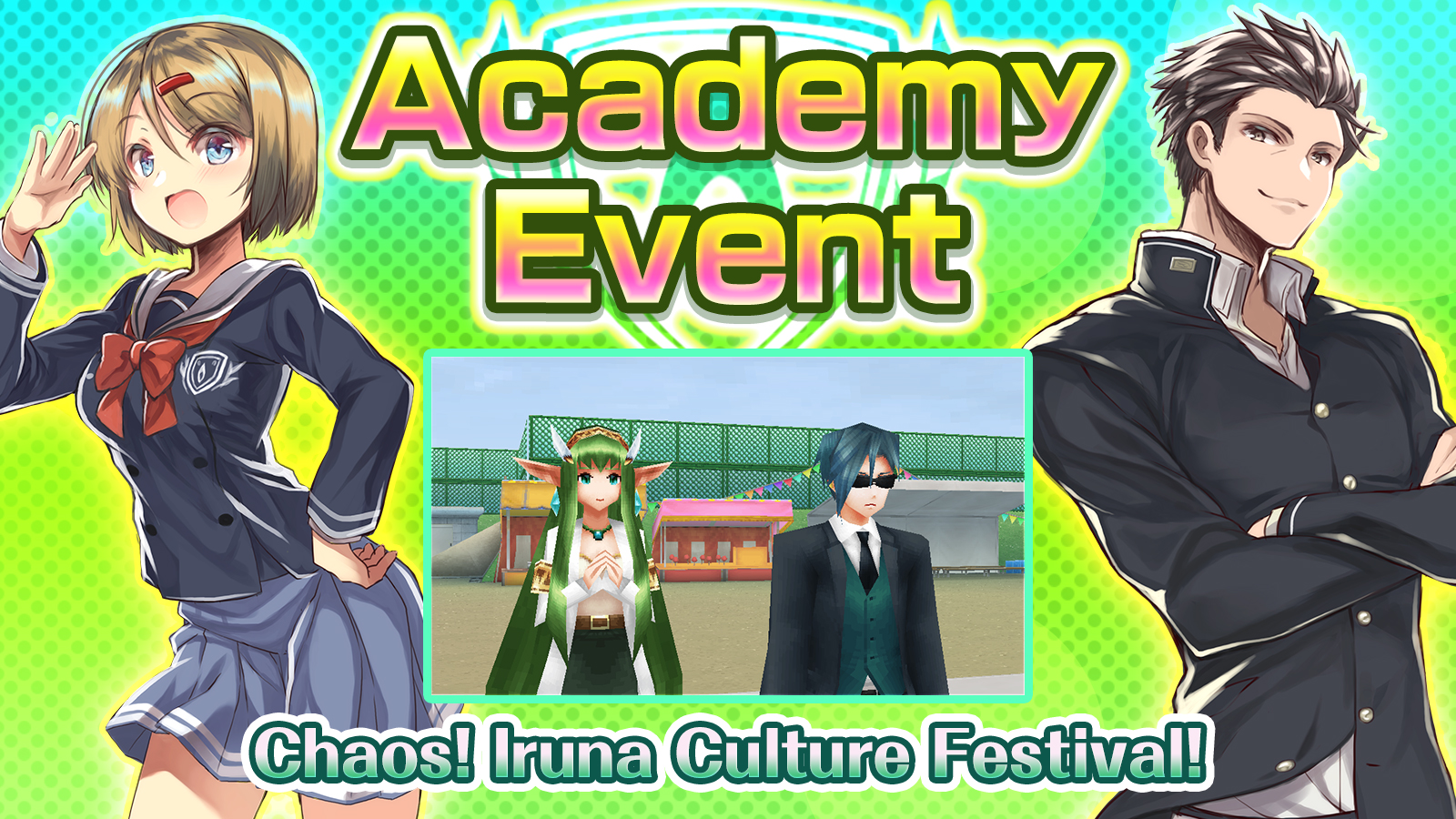
From: After maintenance on September 15th
Until: Before maintenance on October 13th
When you enter the gate of Micerne Plains, the event starts and automatically "Chaos! Iruna Culture Festival!" quest will begin.
- Requirements to start "[Chaos! Iruna Culture Festival! ]" -
By entering from the gate of the Micerne Plains, you may accept the Quest "Chaos! Iruna Culture Festival!" by talking to Alicia, Minette or Tapicora.
*To exchange "Stall Ticket", which can be obtained from the Cultural Festival Event, talk to NPC "Student Staff" outside of the Iruna Academy Schoolyard after clearing the Event.
- School Event Limited Item Gift! -
Free event-limited items, "School Event Set" are now available in the Item Shop!
"School Event Set" is a free gift set that includes "School Uniform" and "Colon Car No.3".
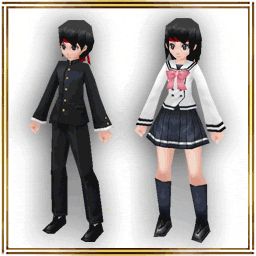
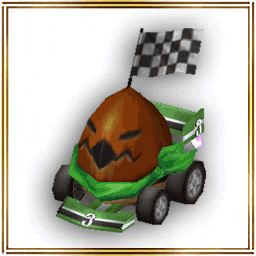
- "School Uniform", "Colon Car No.3"
*Limit 1 set per account.
This item is distributed for free.
Don't miss this chance and check them out in the Item Shop!
- Addition of New Features -
- An "Auto-Discard Equipment" feature has been added exclusively for Monthly Tickets.
You can set the conditions in MENU > Settings > Auto-Discard Equipment.
*This feature is available for accounts with an active Monthly Ticket.
*This discard setting also applies to item drops from pets.
*This setting applies to item drops from enemies. It does not apply to items obtained through other methods.
- Added a feature to copy chat logs and group chat messages to the clipboard by long-pressing them.
- Added "Bulk Unlock", "Bulk Expand", and "Layout Presets & Share Codes" features to Relic Glass.
Added a Preset feature to save your Relic Glass layouts. Also, a Share Code feature has been added to share layouts with other players.
Example of how to use Share Codes:
Step 1. You: Issue the Relic Glass layout information as a "Share Code".
Step 2. You: Send the code to the player you want to share with via chat.
Step 3. Other Player: Long-press the chat message to copy the Share Code to the clipboard.
Step 4. Other Player: Go to Relic Glass screen > Top-center "Preset" > Tap "Enter Share Code" at the bottom of the preset screen.
Step 5. Other Player: Paste the Share Code and apply the layout information.
*The shape of the Relic Crystas must match the exact same shape.
*Matching colors are prioritized, but the layout will still be applied even if the colors do not match.
*Unowned Relic Crystas will be skipped during placement.
- Bug Fix -
- Fixed an issue where searching for "□Melee+1%" or similar short terms in Stall Search resulted in an error stating the search term was too short and failed to search.
- Other Update -
- Anniversary Event has ended.
- Event Information -
- Info on special events & campaigns!
- Only 24 hrs! The Tsuchinoko Break raid battle is here!
- Exclusive Daily Event! About daily raids
- Exclusive Daily Event! About the boss rush
- Others -
- Notice of Temporary Maintenance
- Concerning Limited Function of the Main Menu
- About Resets When Uninstalling the App
- Secure Your Account
Thank you for your cooperation.
