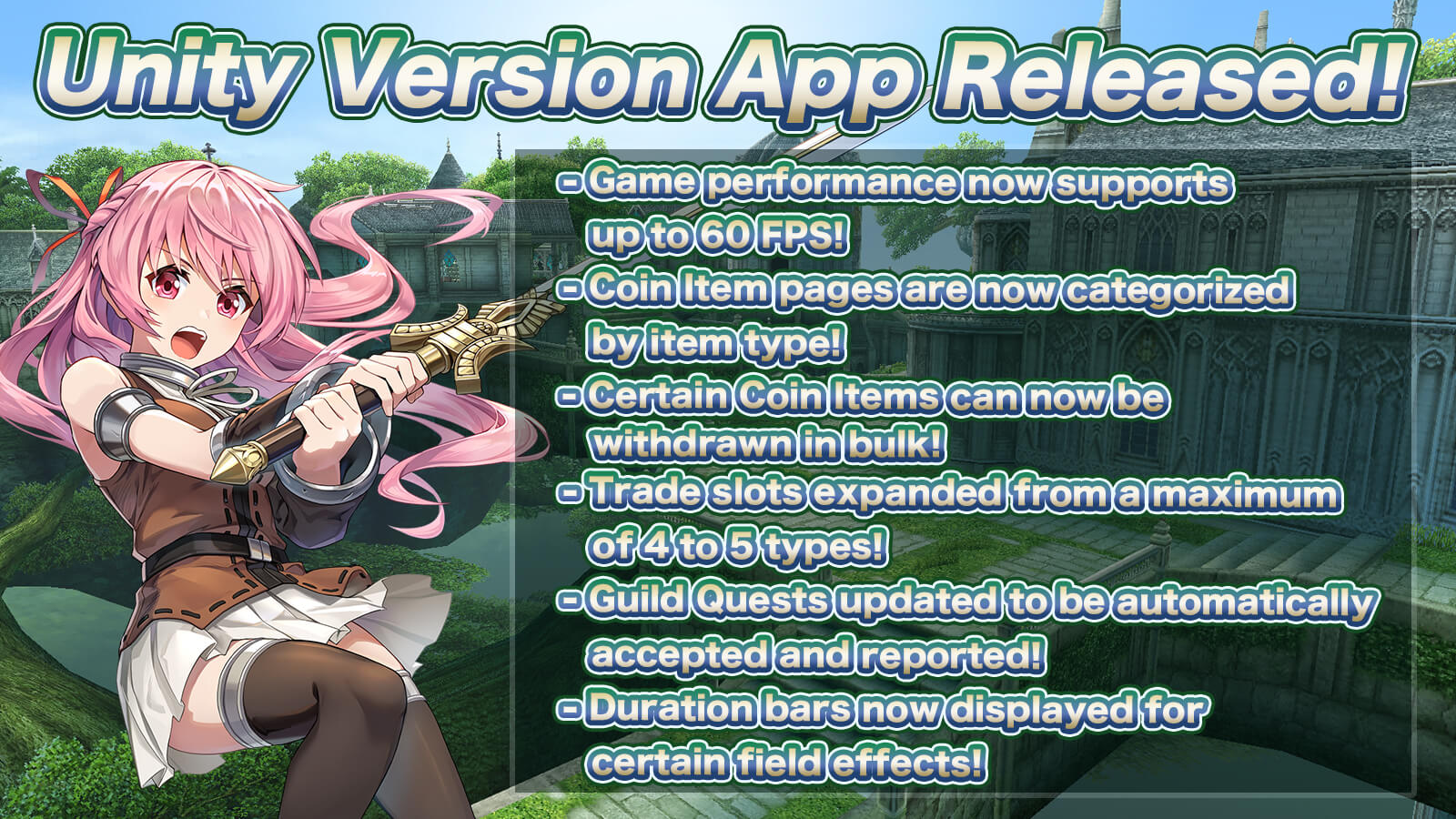
The app has been released with the Android and iOS development environments migrated to "Unity".
- Update Details -
1. Added 60fps to System Settings (Frame Rate) for smoother gameplay display!
2. Coin Item page is now categorized by item type for better visibility!
3. Certain claimable items in the Coin Item page can now be withdrawn in bulk!
4. Trade slots expanded from a maximum of 4 types of items to 5!
5. Guild Quests updated to be automatically accepted and reported!
6. A duration bar is now displayed for field effects that inflict damage after a certain period during battle!
* In-game text fonts cannot be changed due to system specifications.
- 1. Play with 60fps for Smoother Gameplay Display! -
Depending on your device's performance, the game graphics will display and run much smoother!
You can change the Frame Rate from 30 to 60 via Main Menu > Settings > System > Category "System Settings".
* If the game feels laggy, please set it to 30fps.
- 2. Coin Item Page Now Supports Categorized Display! -
The Coin Item page has been updated to display items divided into categories: "Consumables", "Items", "Avatars", "Equipment", and "Others".
This reduces the time and effort required to find your Coin Items.
- 3. Certain Claimable Items Can Now Be Withdrawn in Bulk! -
You can now adjust the quantity of certain claimable items when receiving them!
- 4. Trade Slots Expanded to a Maximum of 5 Item Types! -
The number of tradable item slots per trade has been updated from "4 types" to "5 types"!
- 5. Automated Guild Quest Acceptance & Reporting! -
Guild Quests will now be automatically accepted on Mondays without needing to talk to the NPC in the Guild Home.
When you complete a Guild Quest, it will automatically switch to the completed status.
You can claim your Guild Point rewards via Main Menu > Character > Quests > Guild.
- 6. Duration Bar Displayed for Field Effects and Timed Damage! -
A duration bar will now be displayed for field effects in certain boss battles.
Examples:
- "Colon Seed" in the Boss "Gigant Colon" battle
- "Wind Elemental" in the Boss "Blauzen" battle (High Difficulty)
- Notes on Migration -
Character data will be migrated as is, but please review your "System Settings" after updating the app.
- Data That Will Not Be Carried Over -
- System Settings (Detailed ON/OFF environment configurations)
- Character Sorting Settings
- Chat Filter Settings
- Menu Layout Editing
- Favorite Production Recipes
- Pet Sorting Settings
- Pet Order Re-arrangement Settings
- About Shortcut Settings -
You can restore your shortcut settings saved in your character data by using "Load Shortcuts" under Settings in the Main Menu.
- Request for Performance Check -
Immediately after starting the game, the app may feel laggy, or you may feel a sense of discomfort regarding controls and visibility.
You can adjust the app's performance environment via Main Menu > Settings > System.
Here are some example settings. Please change them to lower-load configurations that match your device's specifications.
- If the Game Runs Slowly -
- Change the Frame Rate from 60 to 30 via Main Menu > Settings > System > Category "System Settings".
- Lower the Screen Resolution (3D) setting from 1x down to 0.5x via Main Menu > Settings > System > Category "System Settings".
- Turn ON "Show Party Only" via Main Menu > Settings > System > Character Display.
- Lower the "No Limit" slider under "Max Characters" to reduce the number of displayed players via Main Menu > Settings > System > Character Display.
- If the Shortcut Buttons Are Too Small -
- You can adjust the shortcut button size from 1x up to a maximum of 1.2x via Main Menu > Settings > System > Category "Battle Settings".
- If the Camera Rotation Is Too Slow -
- You can increase the Camera Sensitivity up to a maximum of 2x via Main Menu > Settings > System > Category "Map Display".
- Added "Clear Cache" Button to the Title Screen Menu -
Previously, reinstalling the app was required to delete resource data, but we have now added a "Clear Cache" button to delete resource data directly.
- Unity Version Update Commemorative Item Giveaway! -
Commemorative items are now available for free in the Item Shop!
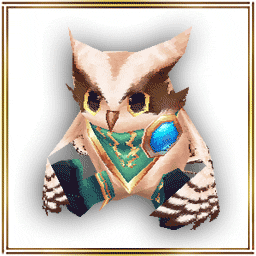
- Mascot: "Noctor"
By using this item from the Coin section, you can equip the added mascot via Main Menu (top left) > Character > Mascot.
Equip Slot: Head
Bonus Effect: EXP Boost
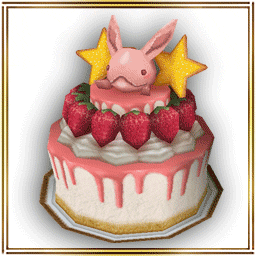
- Island Object: "Memorial Cake"
A memorial cake that can be placed on land in your Island.
*Limited to one claim per account.
- Free Distribution Period -
From: Wednesday, June 24th, 2026 after maintenance
Until: Tuesday, July 28th, 2026 before maintenance
